







Why an Office Cooler May Not Deliver the Expected Cooling?
Reduced cooling is rarely a single fault. It usually comes from conditions around the equipment, so diagnosing office cooling problems is a process of elimination rather than a search for one broken part.
Each mistake below is set out in four steps: symptom, probable cause, what to check, and how to correct it. This helps rule out simple conditions before concluding the cooler for office use is unsuitable.
What Are the Most Common Office Cooling Mistakes?
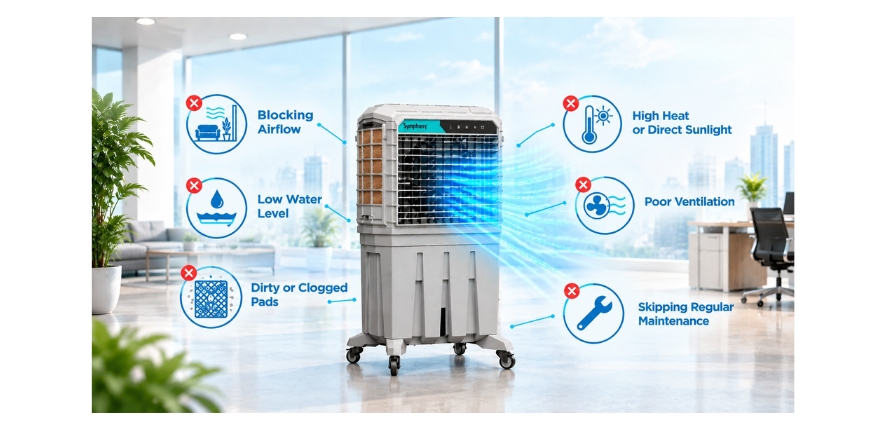
Most office cooling problems can be traced to five broad areas, offered as an overview rather than a strict classification:
- Airflow: obstructed outlets and blocked air paths.
- Placement: positioning the air cooler where space is free rather than where air needs to travel.
- Ventilation: sealed operation and poorly positioned openings.
- Layout: partitions, workstation arrangement, and segmented rooms.
- Maintenance: neglected cooling pads, filters, and water supply.
Mistake 1: Blocking the Office Cooler Airflow Path
Symptom: Airflow feels weak, or cool air seems to die out a short distance from the unit.
Cause: Cabinets, printers, cartons or plants placed in front of the outlet deflect the air before it reaches occupied areas.
What to check: Trace the path from the outlet to the main work area and note anything that has moved into it since installation.
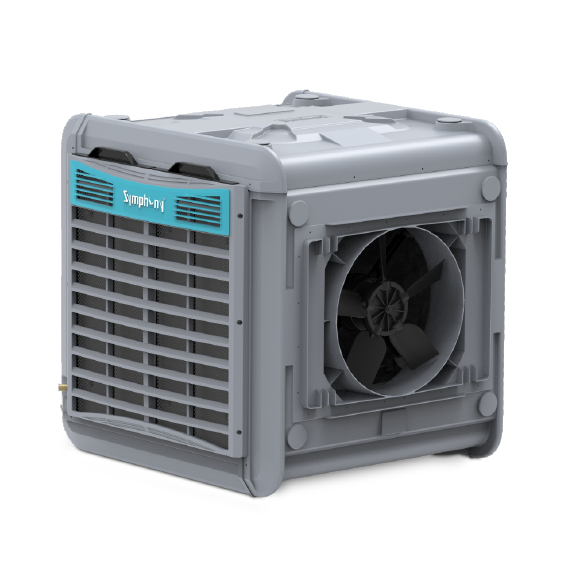
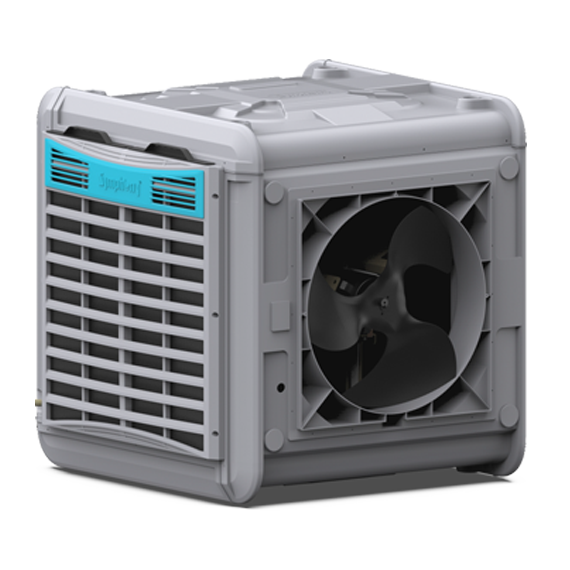
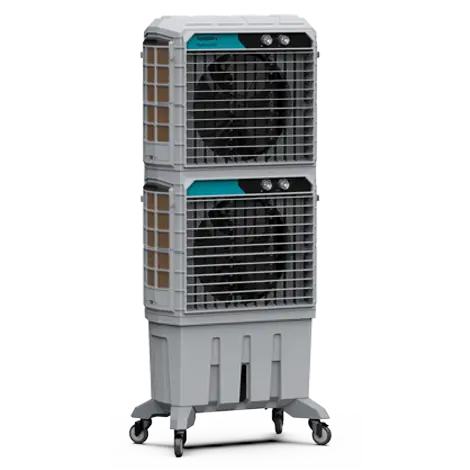
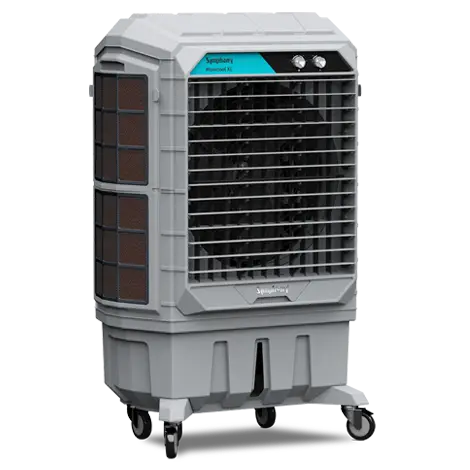
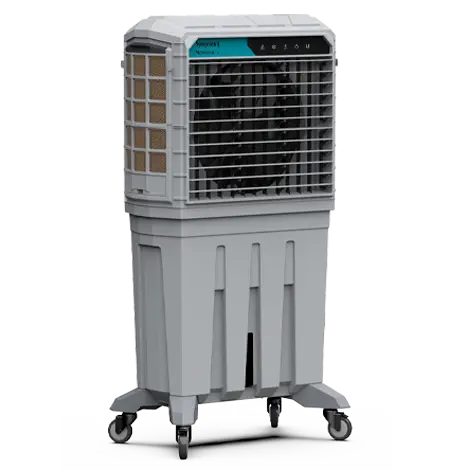
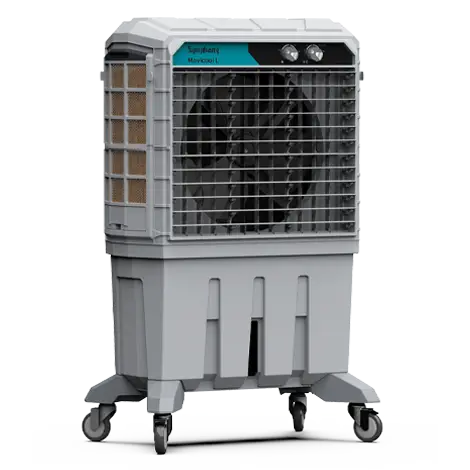
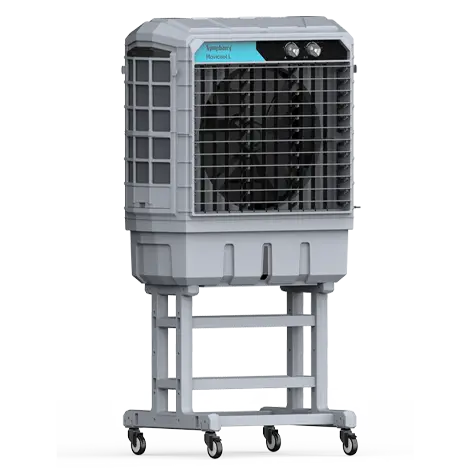
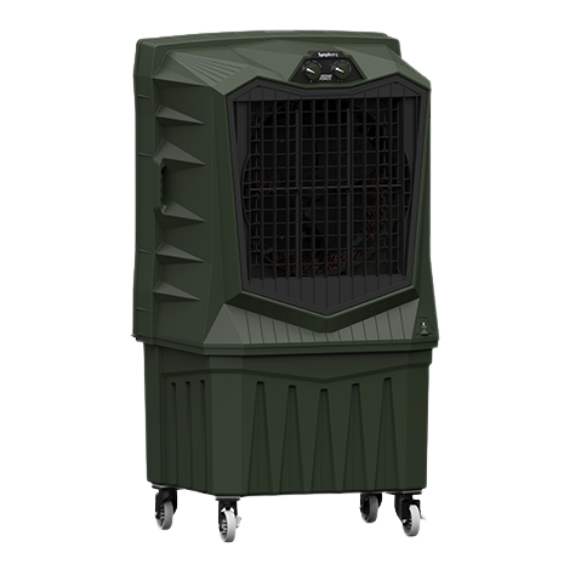
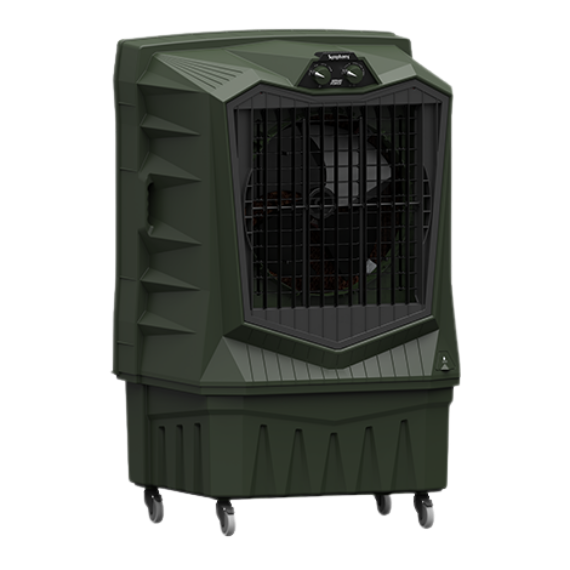
Correction: Clear the discharge zone. There is no universal clearance distance; the test is whether air reaches the intended area unobstructed. The models listed on Symphony Venticool’s commercial portable air coolers page are documented as front discharge, so anything stored in front of them sits directly in the air stream.
Mistake 2: Placing the Office Cooler Based Only on Available Space
Symptom: The area beside the cooler is comfortable while the zone where most people sit stays warm.
Cause: The unit was placed in a convenient corner, and its discharge direction does not match where people work.
What to check: Does the air travel along the space toward desks, or into a wall, corridor or storage area?
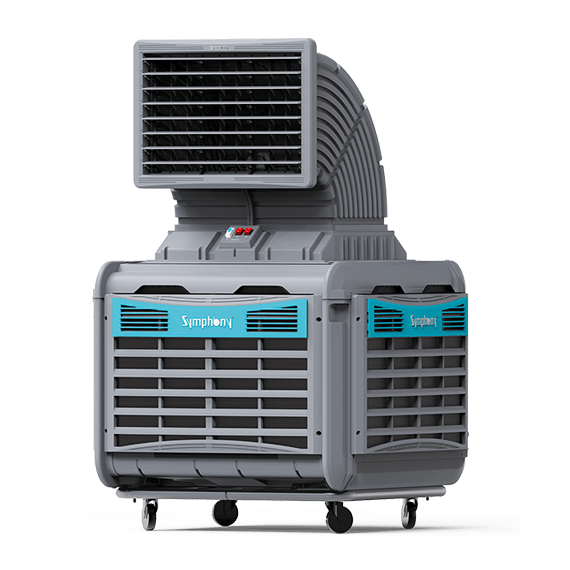
Correction: Reorient or reposition the unit toward occupied zones. Symphony Venticool’s portable range has castor wheels intended for relocation as cooling needs change. Where occupants are spread across the room, use a documented swing feature, such as the auto swing airflow on the Movicool L 200, rather than leaving the air fixed in one direction.
Mistake 3: Running Office Cooling Like a Closed Room Air Conditioner
Symptom: The whole office feels stuffy or humid, and comfort declines evenly across the space as the day goes on.
Cause: Evaporative cooling adds moisture to the air it delivers, so the cooled air needs a route out of the space while drier air enters. When every door and window stays shut, moisture can accumulate, and the cooling effect can weaken.
What to check: Confirm whether the space has any exit route for air at all while the cooler runs.
Correction: Provide an appropriate exit route during cooling hours, and make sure staff understand why the system should not be operated as though it were a sealed room air conditioner.
Mistake 4: Ignoring How Doors and Windows Shape Office Cooling Airflow
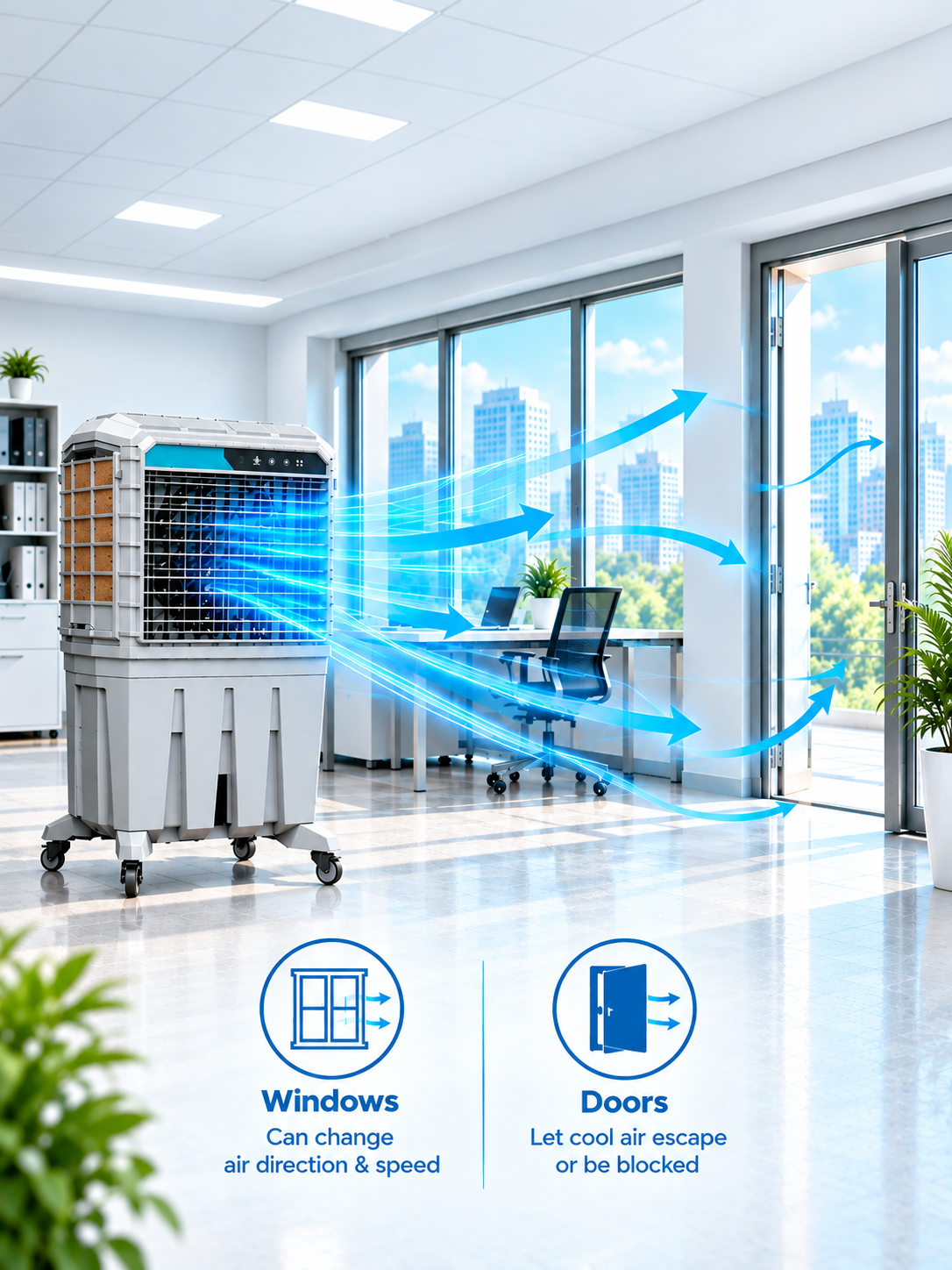
Symptom: Some zones cool well while others do not, and the pattern shifts from day to day.
Cause: Once an exit route exists, its location decides the path air takes. An opening close to the cooler lets air escape before crossing the office, while a far-side door that once served as the exit may now stay closed.
What to check: Map where air enters and where it leaves during working hours. Note which openings are actually open.
Correction: Where practical, favour exits beyond the occupied zones so air crosses the work area before leaving, and avoid openings that allow a large portion of the air to escape near the cooler.
Mistake 5: Letting Partitions and Workstations Obstruct Office Cooler Airflow
Symptom: Within one connected work area, open desks are comfortable while those behind cubicle screens or cabinet rows stay warm.
Cause: High partitions, tall storage, and desk clusters set across the discharge direction physically deflect air. Air follows the easiest route, usually along aisles, and passes around enclosed workstations.
What to check: Stand at an affected desk and look for a clear line to the outlet.
Correction: Where practical, align aisles with the discharge direction and move the tallest barriers out of the main air path.
Our Other Product
Industrial Ducting Cooler - Heavy Duty Movicool XXLMistake 6: Neglecting Office Cooler Pads and Filters
Symptom: Performance declines gradually over weeks.
Cause: Pads can accumulate dust and deposits that affect airflow and evaporation, while obstructed filters and intakes can restrict airflow. Because the decline is slow, it often goes unnoticed.
What to check: Inspect pads for dirt, scale or dry patches, and check filters and intakes for obstruction.
Correction: Service components according to the manufacturer’s documented guidance, as a routine task. Symphony Venticool’s portable coolers use honeycomb cooling pads, while some models also include dust filters, so both belong on the inspection list.
Mistake 7: Skipping Water Supply Checks on the Office Cooler
Symptom: Cooling fades during the day and improves after refilling.
Cause: Evaporative cooling needs evenly wet cooling media. A low water level can leave parts of the media insufficiently wet, reducing the evaporative cooling effect.
What to check: Check the water level during operation and look for dry sections on the pads.
Correction: Include water level checks in the routine inspection of manually filled units, with a named person responsible.
Mistake 8: Not Reassessing Office Cooling After Layout Changes
Symptom: Cooling that once worked well became uneven after a refurbishment or team move.
Cause: New partitions, rearranged desks, converted rooms or added heat-producing equipment change the conditions the original arrangement assumed.
What to check: Compare the current floor plan with the layout at installation.
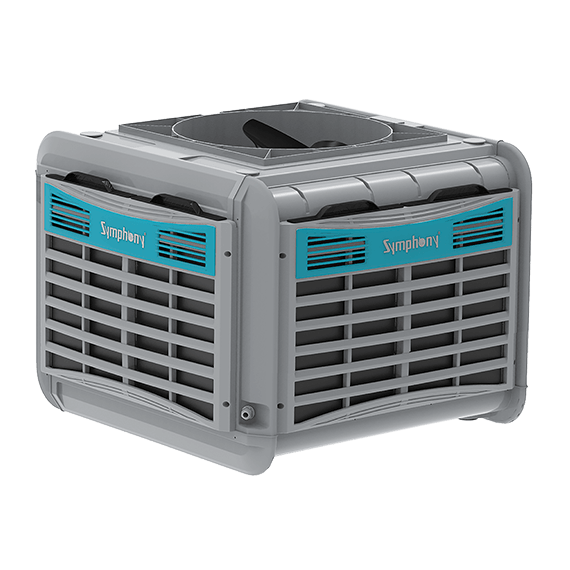
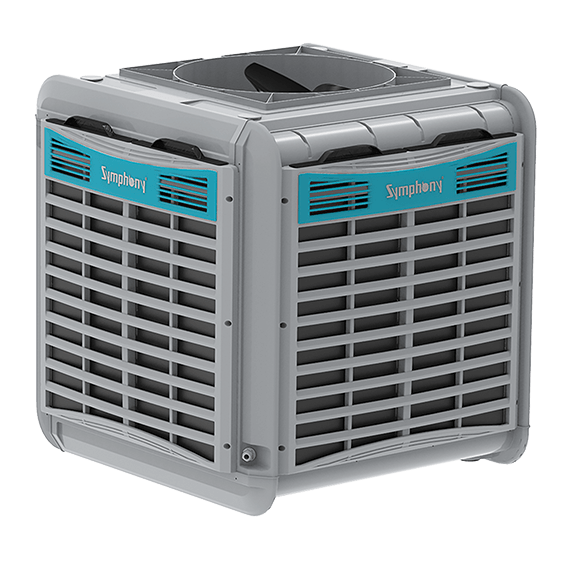
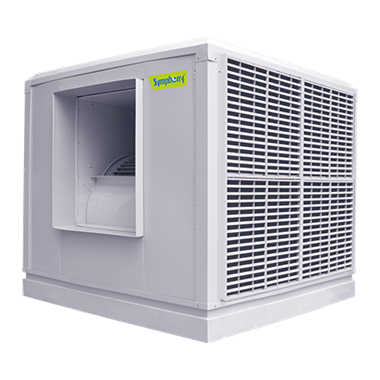
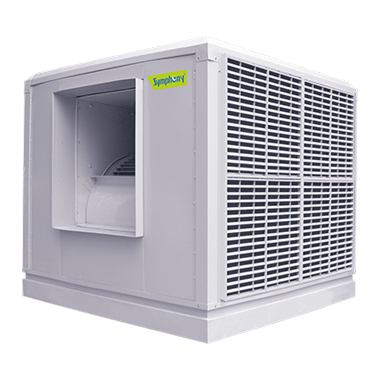
Correction: Treat any significant fit-out as a trigger for a cooling review. For ducted systems, check whether the discharge configuration still suits the space. Symphony Venticool documents down, side and top discharge installations for its industrial ducting coolers, and models differ: the Venti Cool 11U offers top, bottom and side discharge, while the Venti Cool 22S is side discharge.
Mistake 9: Expecting One Office Cooler to Serve Every Zone Equally
Symptom: Staff in cabins, meeting rooms or spaces beyond a corridor say cooling does not reach them, although the main work area is comfortable.
Cause: This is a zoning issue rather than an obstruction. A single cooler delivers air along a path, and spaces separated by walls, doors or corridors sit outside it.
What to check: Mark which occupied zones sit directly in the air path and which depend on air passing through doorways.
Correction: Define which zones the existing cooler is meant to serve, and plan separate air delivery for disconnected spaces rather than raising fan speed in the main area.
How Can You Tell Whether an Office Cooler Problem Is Airflow, Placement or Maintenance?
Zone specific discomfort usually points to airflow, placement or layout; gradual decline everywhere usually points to maintenance or water. Use the table as a starting point rather than a definitive diagnosis.
Symptom | Check first | Possible issue |
Weak airflow near the cooler | Outlet and immediate air path | Blocked airflow |
Cooler zone fine, desks warm | Discharge direction | Unsuitable placement |
Whole office stuffy or humid | Any exit route for air | Sealed operation |
Cooling pattern shifts day to day | Which openings are open | Opening position |
Desks behind screens stay warm | Partitions and cabinet rows | Layout obstruction |
Gradual decline over weeks | Cooling pads and filters | Maintenance |
Cooling fades during the day | Water level and pad wetting | Water supply |
Cooling changed after refurbishment | Current versus original layout | Layout change |
Separate rooms stay warm | Connection to the air path | Zoning limits |
Our Other Product
Industrial Ducting Cooler - Heavy Duty Movicool XXLHow Can Facility Managers Improve Office Cooling Performance?
Before considering equipment changes, facility teams can first address the conditions affecting airflow, ventilation, and maintenance:
- Keep discharge zones and main air paths clear.
- Match discharge direction to where people sit.
- Keep an exit route open, positioned beyond the occupied areas.
- Review partitions and cabinets that cross the air path.
- Inspect pads, filters and water supply as scheduled tasks.
- Define which zones each cooler is expected to serve.
- Review the arrangement after any fit out, consulting product documentation before altering the installation.
When Should an Office Cooling Arrangement Be Reassessed?
Reassess when uneven cooling persists after the checks above, or when partitions, furniture, room use or equipment change. For persistent problems, a site assessment can help review airflow paths, equipment placement and changes to the office layout.
Office Cooler Troubleshooting FAQs
Common Office Cooling Mistakes That Reduce Air Cooler Performance
What should I check first when an office cooler is not cooling well?
Start with the checks that need no tools. Look at the outlet for obstructions, confirm the air is aimed at occupied zones, and note whether any door or window is open to let air leave. Only then open the unit to inspect pads, filters and water level. This sequence helps identify obvious airflow and operating conditions before moving to checks on individual components.
Can furniture block an air cooler for office use?
Yes. The quickest check is visual: stand at the outlet and look toward the main work area. If cabinets, equipment, or stacked items break that view, airflow is probably being deflected. Repeat the check whenever furniture is added or moved, because new items often end up in front of the cooler.
Why does an evaporative cooler need an air exit?
The cooler lowers air temperature by evaporating water into the air passing through its pads. If humid air cannot leave, moisture builds up in the space and the air becomes less able to absorb additional water. As evaporation becomes less effective, cooling can weaken. Providing an exit keeps the evaporative process working as intended.
Can increasing fan speed fix uneven office cooling?
Usually not. Higher speed pushes more air along the same path, so zones blocked by partitions or sitting in separate rooms still receive little of it. Speed changes help only when the air path already reaches the affected area. Fix obstructions, placement or zoning first, then adjust speed if needed.
Can new office equipment affect cooling?
Yes. Printers, servers and other heat-producing equipment add warmth to the area around them, so a previously comfortable zone can feel warmer even if airflow has not changed. If complaints start after a new installation, compare the warm area with the location of the new equipment before adjusting the cooler.
How often should an office cooler be maintained?
Follow the maintenance guidance documented for your specific model, because requirements differ between products. Include pads, filters, intakes and water supply in routine facility inspections so gradual performance changes can be identified early. Where the documentation is unclear, confirm the recommended routine with the manufacturer before setting an internal schedule.
Should an office cooler be replaced if cooling is poor?
Replacement should not be the first assumption. Blocked airflow, sealed operation, poorly positioned openings, dirty pads, low water and layout changes can all reduce cooling from suitable equipment. If the basic airflow, ventilation, maintenance and layout checks do not resolve the problem, the equipment and overall cooling arrangement can then be assessed for suitability.
What should be recorded during an office cooling inspection?
Record which zones receive direct airflow, which openings are open during operation, the condition of pads and filters, the water level, any new heat-producing equipment and any furniture or layout changes since the last check. These notes make it easier to link a new complaint to a specific change.